Exhibitions & interaction

Interactive exhibition

An interactive exhibition application brings together product and project materials through a case wall, images, videos, tablet controls and a content management dashboard. It supports visitor browsing, guided presentations and ongoing content updates.

Discuss a project
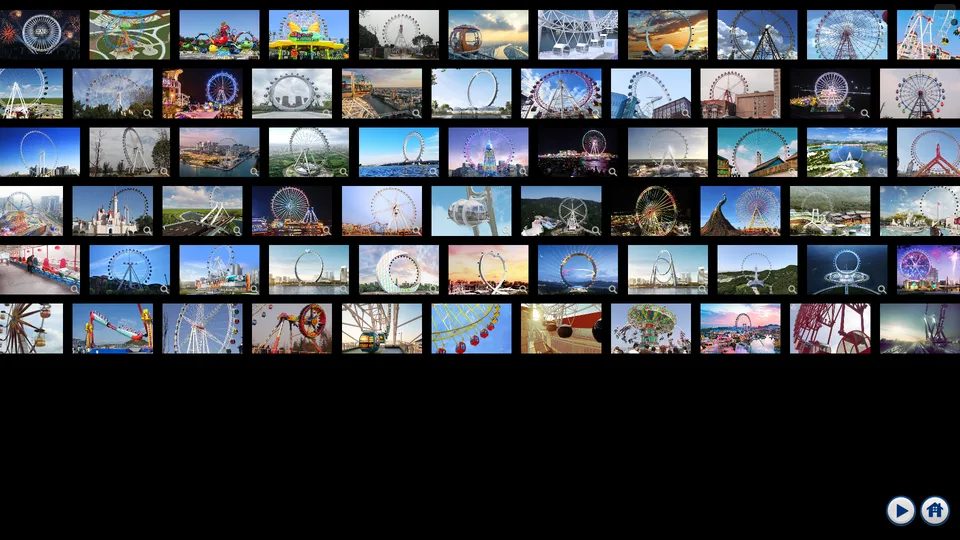
Case wall: present products and projects, with details available on selection.

From browsing cases to exploring product details

A case wall and section entrances organise product and project materials. Visitors select content to view images, play videos and move between materials. This creates a continuous journey from an overview to detailed presentations for product introductions, project showcases and visitor reception.

Tablet controls for guided presentations

Presenters use a tablet to select content, switch views and control media playback, adjusting the presentation sequence to visitor interests. Separating the controls from the display lets presenters organise content as the conversation develops.

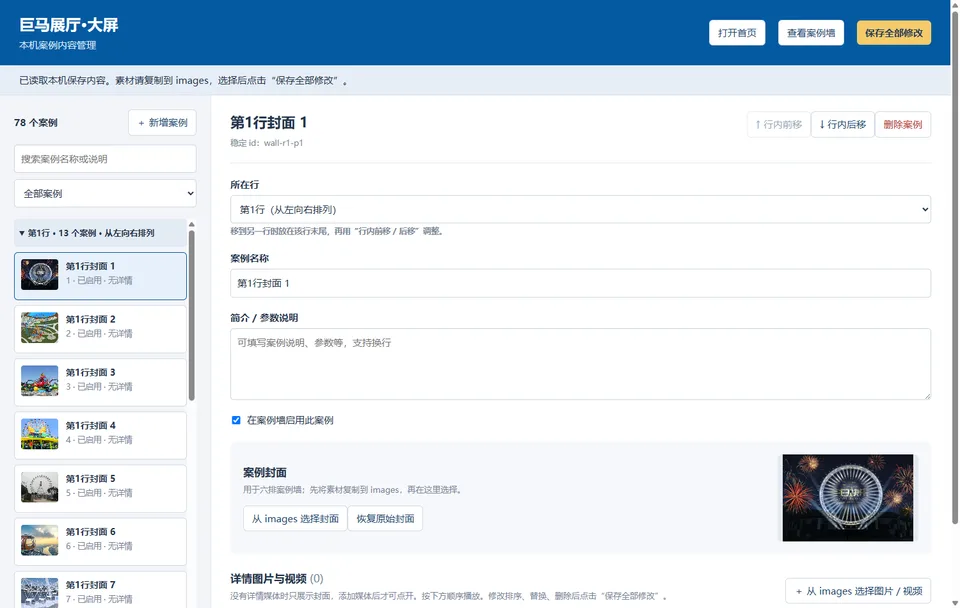
A dashboard for everyday content updates

Staff can update case covers, images, videos and descriptions, and adjust their order and visibility. New product materials, project results and exhibition content can be maintained through the same dashboard, reducing the need for developer involvement in routine updates.

A closer look at the experience
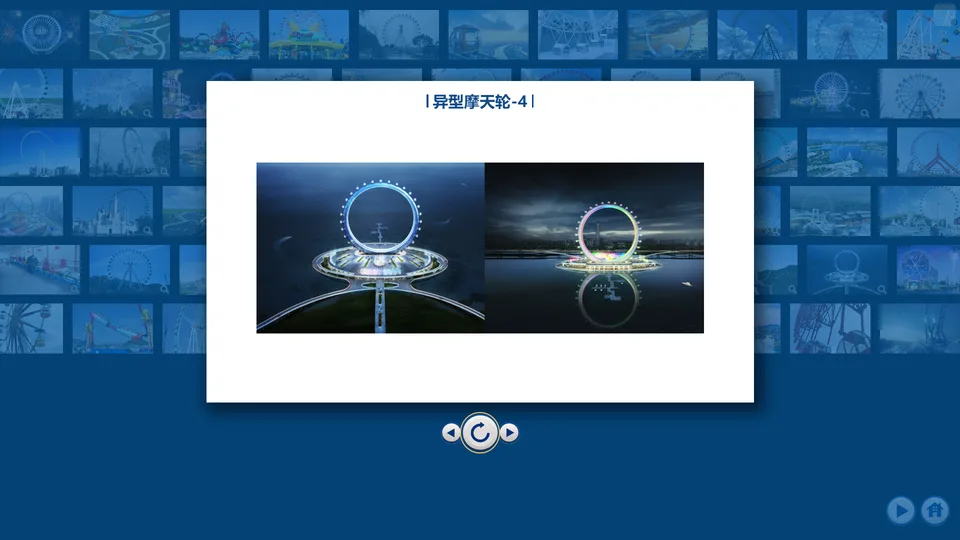
Media detail: browse product images, play videos and switch between content.
Content management: update case materials, covers, ordering and visibility.
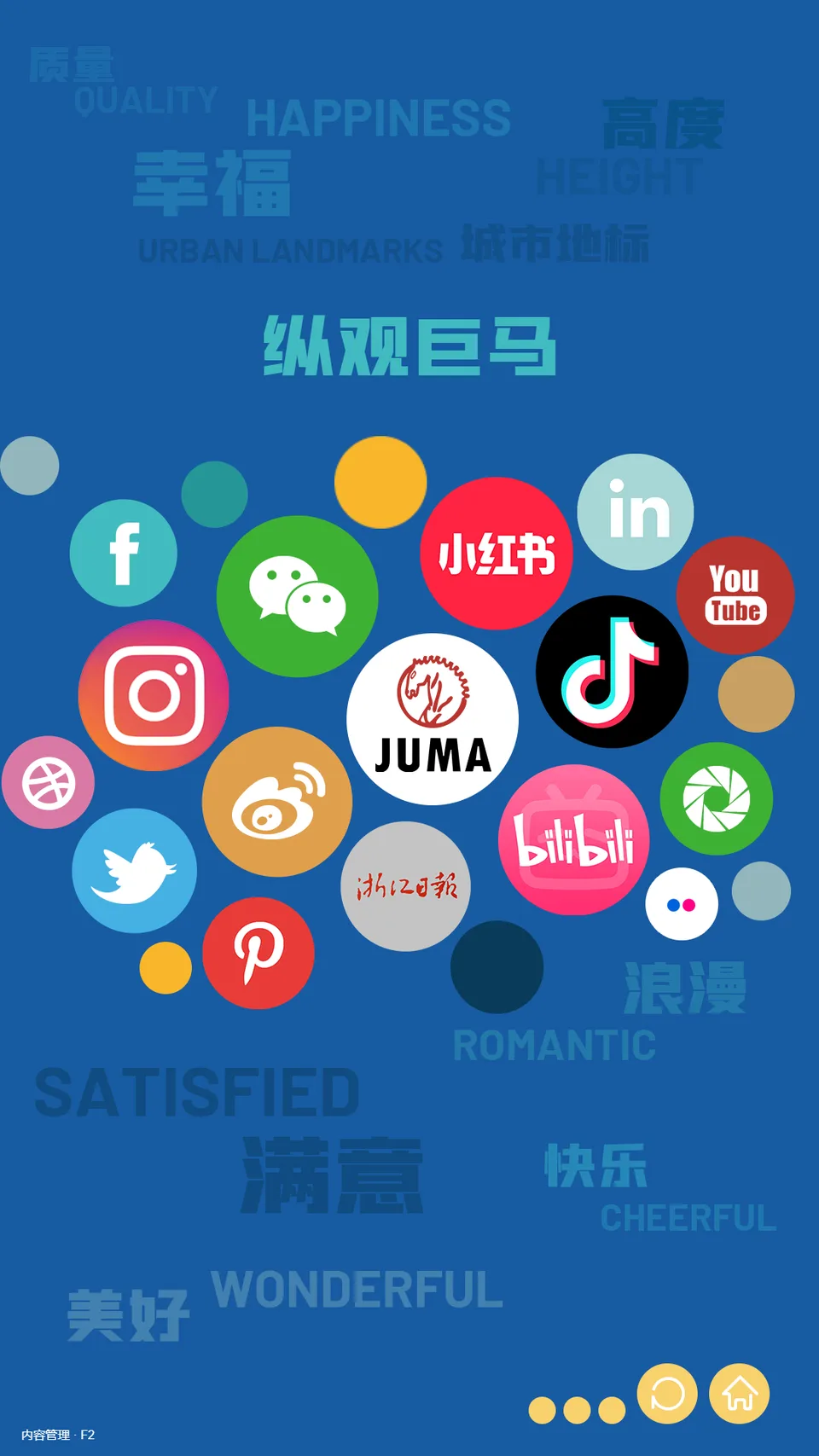
Display homepage: organise products and projects into sections for touch browsing.

FROM PRODUCT TO DELIVERY

What we can deliver

  • Case walls, section navigation and touch browsing
  • Image and video detail displays with playback controls
  • Tablet content selection and media control
  • Exhibition content management dashboard
  • Large-screen and portrait display applications with Windows deployment configuration

We develop custom exhibition, touch-interaction and multi-screen applications, covering interface design, software development and device integration for the content, screen formats and presentation setting. We also redesign, extend and maintain existing display systems.